We built a full iOS and Android app in a day with AI. Here's how.
The AI wrote the Flutter app. AppAmbit gave it the backend through MCP: accounts, database, server functions, and in-app purchases. Every prompt, bug, and fix is on video, and the code is on GitHub.
Build yours on AppAmbit. Free plan, no card.


The AI wrote the screens. AppAmbit stored the accounts.
Every feature started as a prompt.
Unshrimp went from an empty Flutter project to a complete app one request at a time, and every feature followed the same loop.

-
Ask for a feature
Describe the feature the way you would write a ticket, for example “Add sign up and login to my app.” Before it changes anything, your assistant checks your apps and your plan in AppAmbit, so it knows what already exists.
-
Your assistant writes the code and sets up the backend
Over MCP, it creates the tables, auth, and server functions in AppAmbit directly. No dashboards or keys to wire by hand.
It also writes the Flutter screens and the code that calls the backend, and everything it creates shows up in your dashboard, where you can review it.
-
Test it on your device
Run the app on your phone and try the feature for real. If something breaks, describe what happened or paste the error, and the assistant fixes the app or the backend in the same session. The videos show every bug and every fix as it happened.
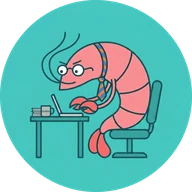
Unshrimp
A posture app for iOS and Android
The result: a complete app for iOS and Android.
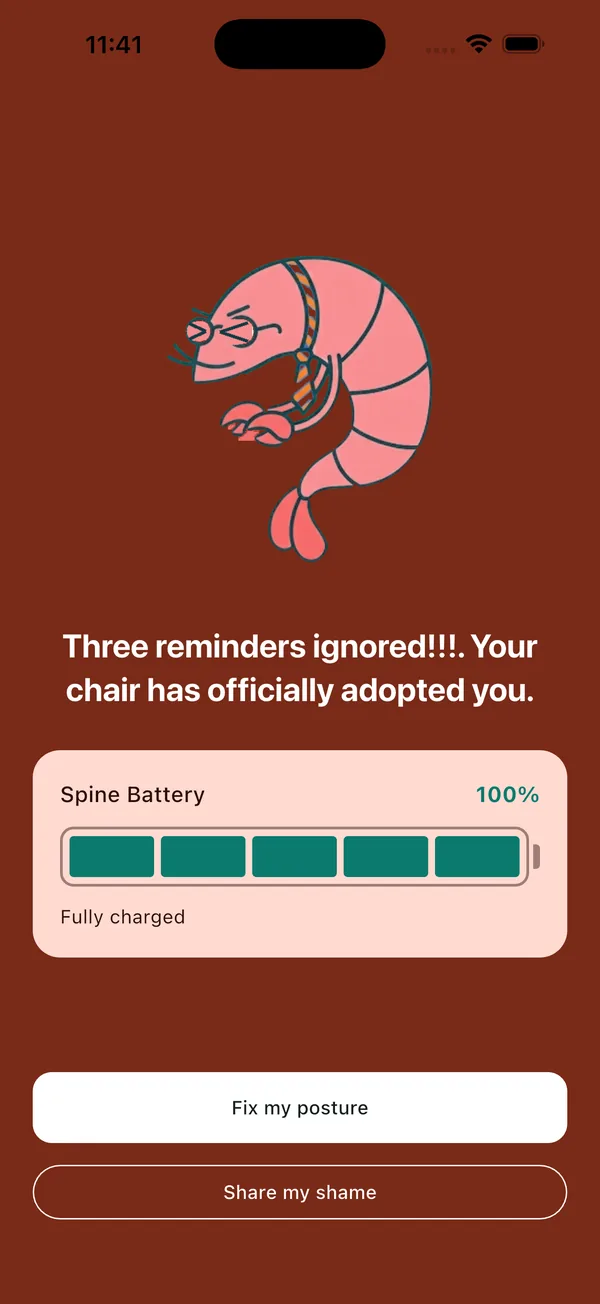
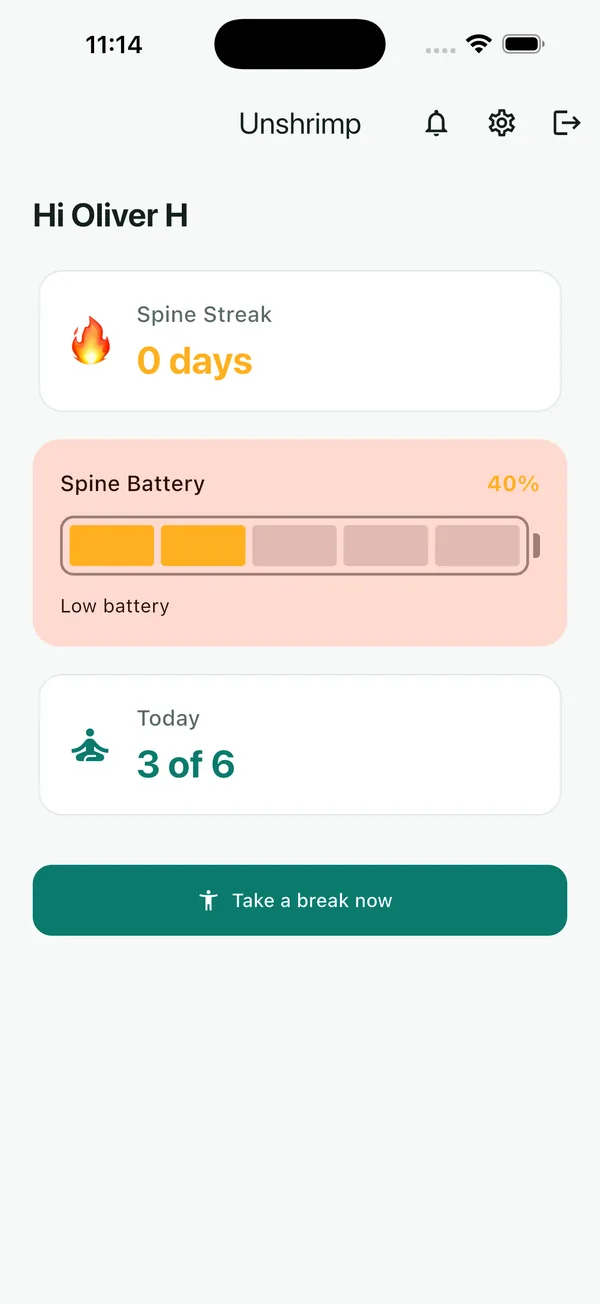
Unshrimp has user accounts, personal settings, posture reminders, a free trial, and a lifetime Pro plan sold through the App Store and Google Play. The AI wrote every screen. AppAmbit runs everything behind them.
Watch every step of how Unshrimp was built.
Eight short parts, under an hour of video in total. Each one shows the prompts, the real bugs and how they were fixed, and what AppAmbit did behind the app.
 7:51
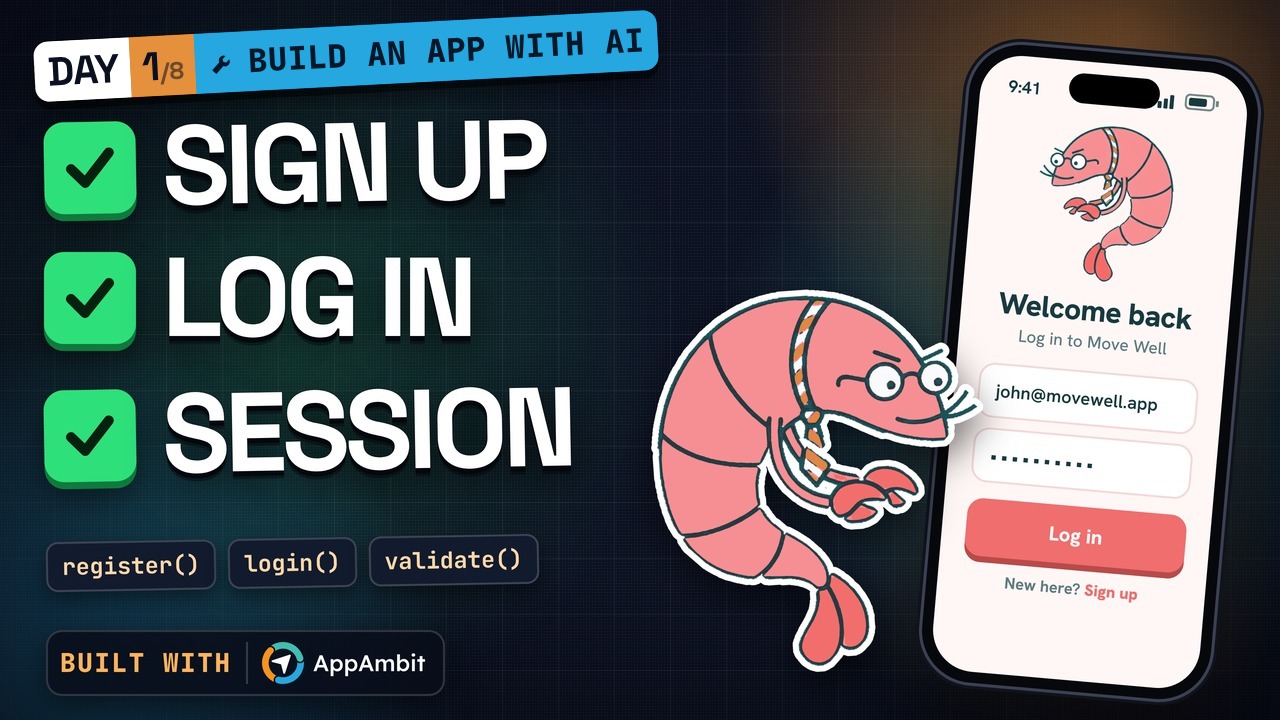
Part 1
Sign up and login
AppAmbit: accounts saved in the database, with every login check in Cloud Code
 7:34
Part 2
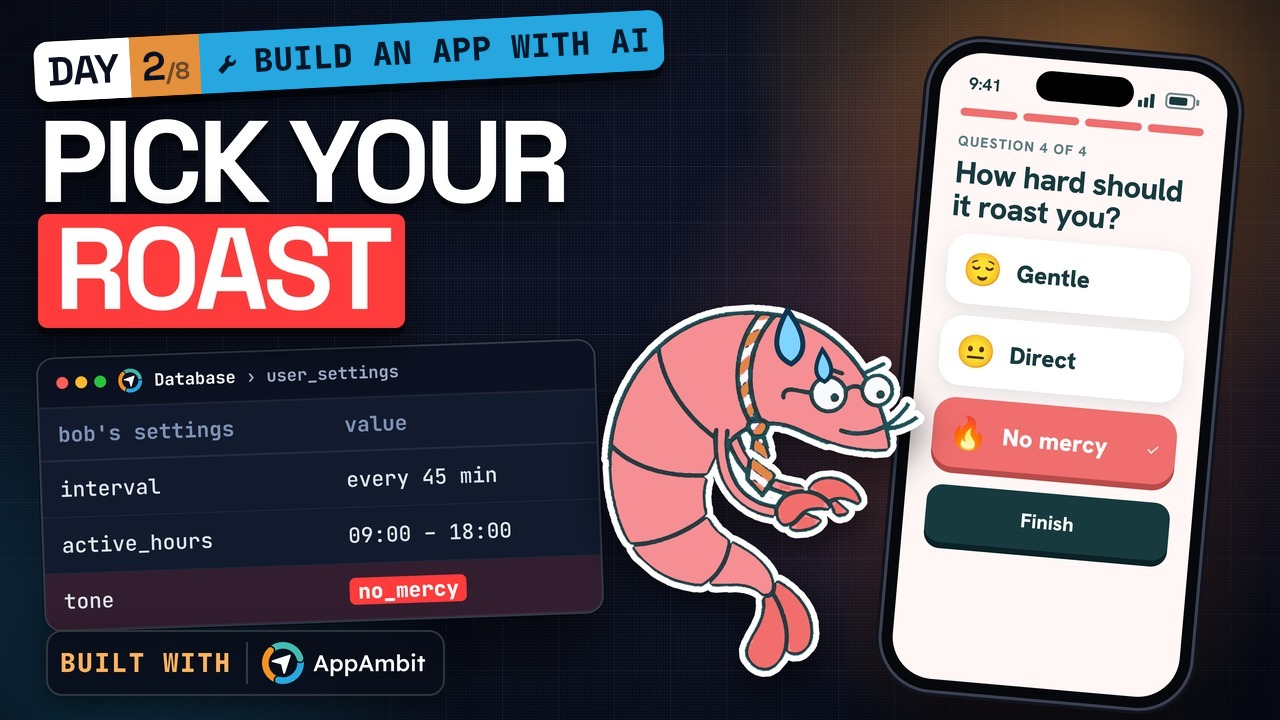
Onboarding and personal settings
AppAmbit: each user's settings, saved in the database
 12:45
Part 3
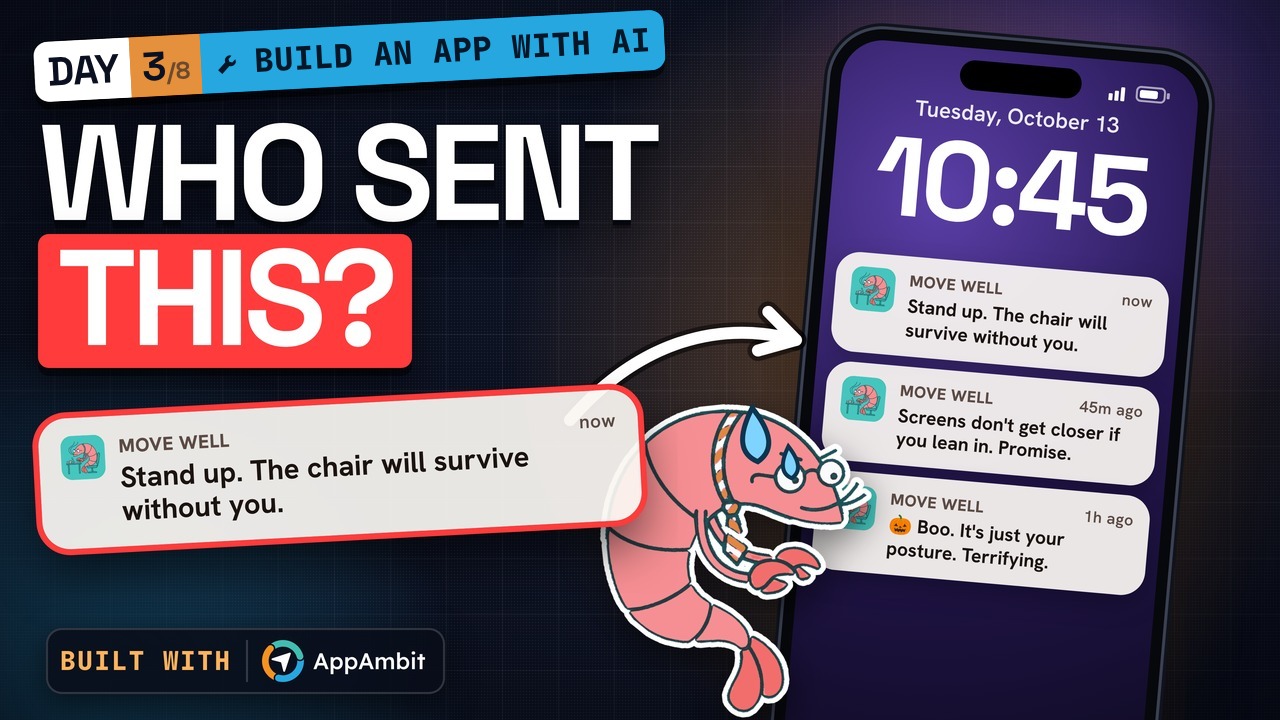
Reminders that arrive with the app closed
AppAmbit: reminder jokes you change from the cloud, with no new release
 7:46
Part 4
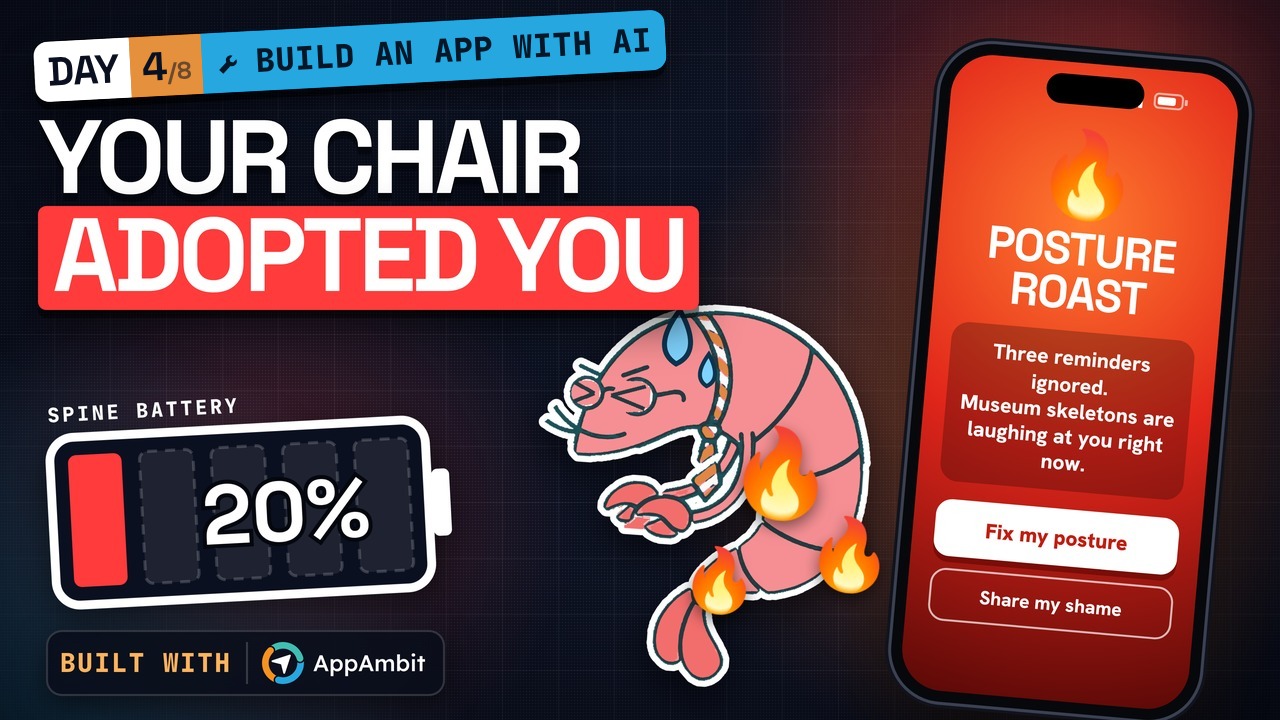
A Posture Roast after three ignored reminders
AppAmbit: Cloud Code counts every ignored reminder, not the phone
 6:53
Part 5
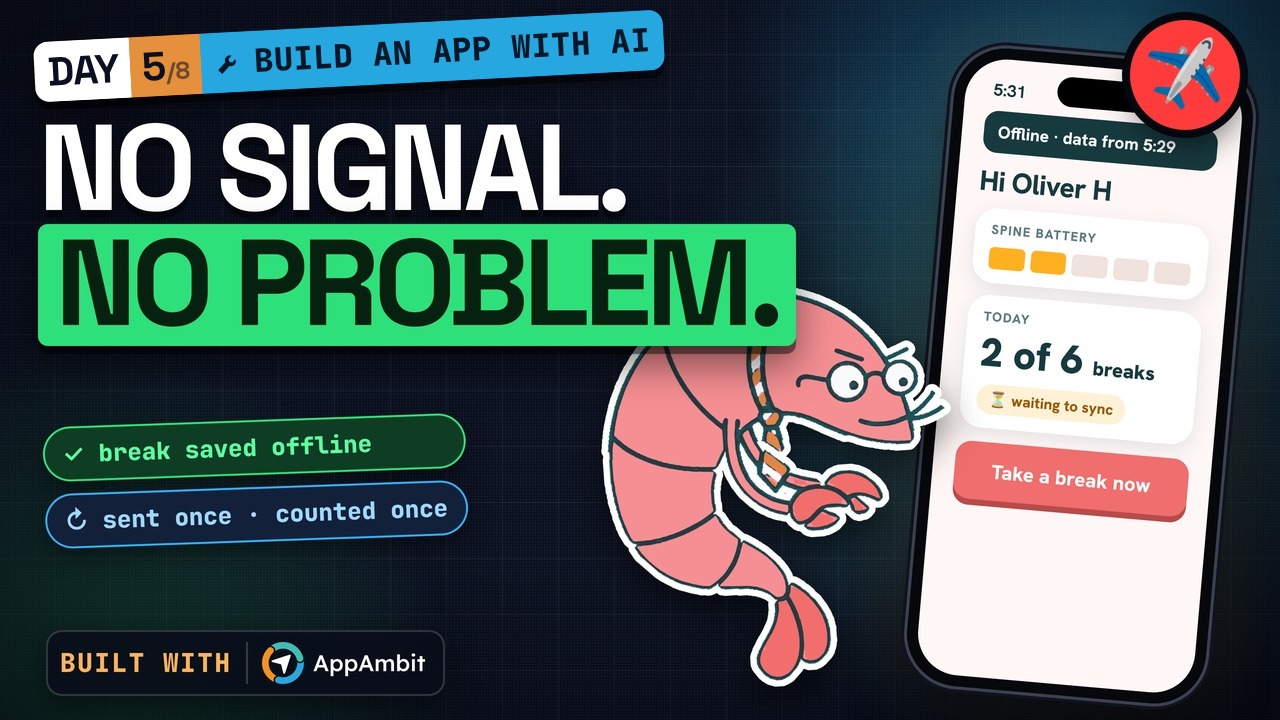
Works without an internet connection
AppAmbit: counts each break once when the connection returns
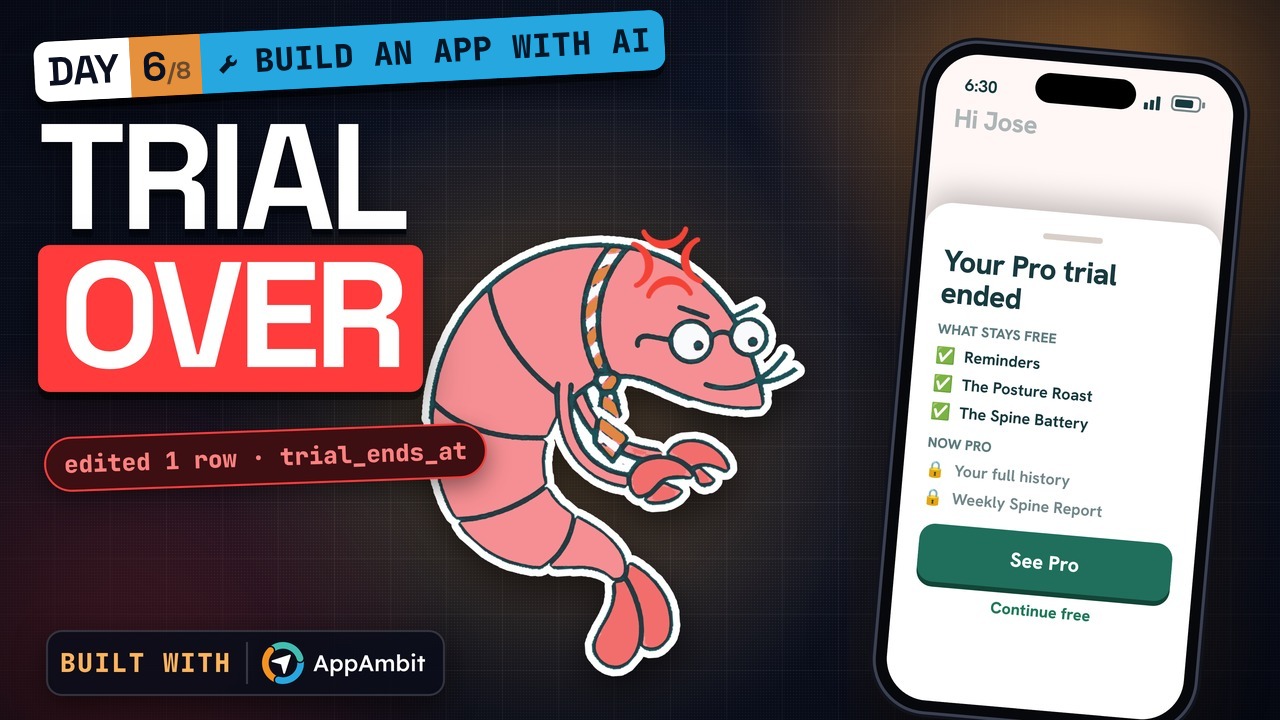 5:35
Part 6
A free trial and a Pro plan
AppAmbit: decides on the server who has Pro and writes the weekly report
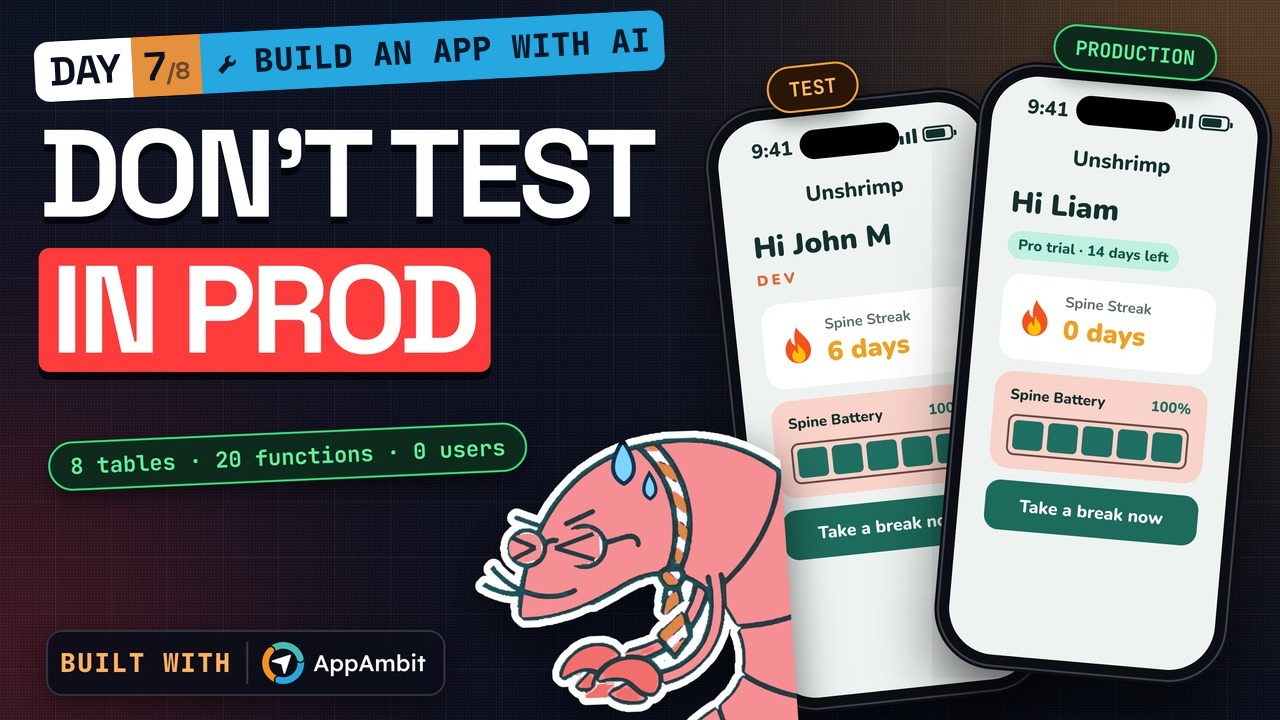 3:22
Part 7
Separate test and live versions
AppAmbit: separate test and production backends, plus push from the dashboard
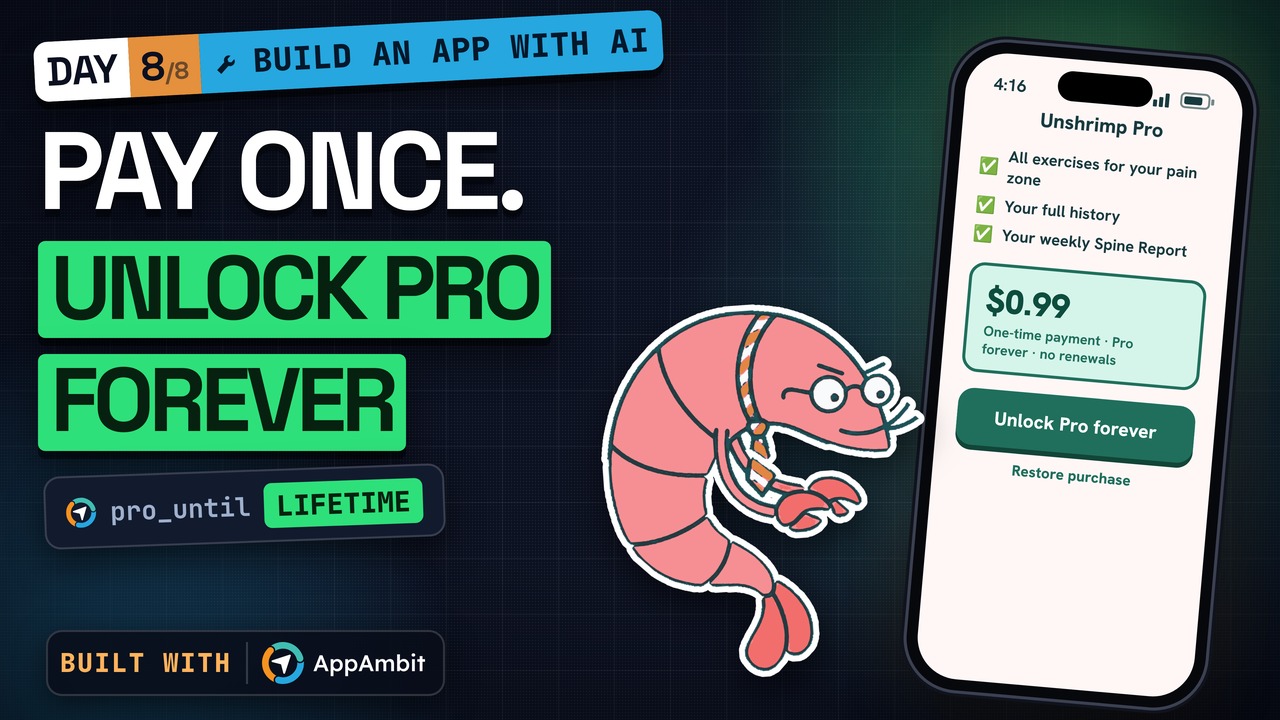 2:41
Part 8
Pay once to unlock Pro
AppAmbit: verifies every App Store and Google Play purchase
Connect your assistant the way we did.
Once connected, your assistant can create databases and tables, deploy Cloud Code functions, update Remote Config, and send push notifications for your app.
Generate a token in AI Assistant in your AppAmbit dashboard, then paste the snippet for your assistant into its config and replace <your-token> with your token. On Claude.ai, the connector signs you in, so no token is needed.
{
  "mcpServers": {
    "appambit": {
      "type": "http",
      "url": "https://appambit.com/mcp/appambit",
      "headers": {
        "Authorization": "Bearer <your-token>"
      }
    }
  }
}
Copilot uses servers instead of mcpServers. type is optional for Cursor.
[mcp_servers.appambit]
type = "http"
url = "https://appambit.com/mcp/appambit"

[mcp_servers.appambit.http_headers]
Authorization = "Bearer <your-token>"
https://appambit.com/mcp/appambit
Settings → Connectors → Add custom connector, paste the URL, approve.
The backend Unshrimp runs on
Every feature in the videos runs on AppAmbit. This is what each part does.
Accounts and personal settings
App Database stores every account and each user's settings, and the login checks run in Cloud Code.
The Posture Roast and the weekly report
Cloud Code counts every ignored reminder and writes the weekly report on the server. It scales with your users, and you pay only for what you use.
Free trial and lifetime Pro
AppAmbit decides on the server who has Pro and verifies every App Store and Google Play purchase, so the phone never decides who paid.
Separate test and live versions
Test accounts stay in a test copy of the backend, and real users land in an empty production copy.
Also included: CMS, Remote Config, crash reports, and analytics. See everything
Questions developers ask
Did the AI write all the code, or did you edit it?
The AI wrote all of it, both the Flutter app and the backend. When something broke, we described the bug to the assistant and it fixed it in the same session. Every fix is in the videos, and the code is on GitHub.
Which AI assistants work with AppAmbit?
Claude (Claude Code and Claude.ai), Cursor, GitHub Copilot, OpenAI Codex, and Windsurf, all over MCP. Any assistant that supports MCP can connect with the same token.
Can I write backend code myself instead of using the AI?
Yes. You can write and deploy Cloud Code functions in Node.js from your dashboard, and run SQL on your databases there too. The AI assistant is optional.
How much does it cost once the app has real users?
You start on the Free plan, with no time limit and no card. Paid plans raise the limits, and with overages turned on, usage past your plan is billed at fixed rates. See pricing for the details.
Can I export my data or leave AppAmbit later?
Yes. You can export a database whenever you want, and the app code stays yours. Your data is never locked in.
Which frameworks are supported?
iOS, Android, Flutter, React Native, .NET MAUI, .NET, and Avalonia. Unshrimp is a Flutter app.
Start your app on AppAmbit today.
Create a free account, connect your AI assistant, and ask for your first feature.
Free plan, no time limit, no card.